
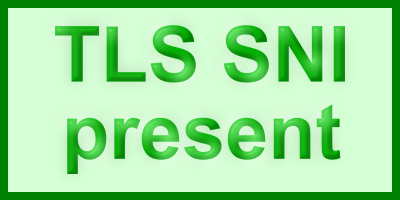
Check TLS - TLS SNI: present
TLS SNI was present - https, tls1.3, ipv4, h2
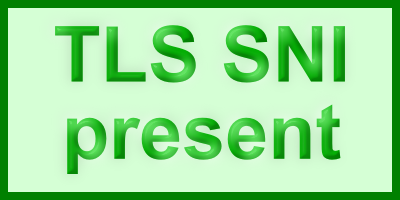
A valid "TLS SNI" was sent by the client establishing the connection. This client or browser should work properly for accessing "SNI-only" sites over HTTPS that require the presence of TLS SNI for returning the proper certificate.
Client Details
Client IP: 216.73.217.15
Client IP version: ipv4
Client port: 1176
User Agent: Mozilla/5.0 AppleWebKit/537.36 (KHTML, like Gecko; compatible; ClaudeBot/1.0; +claudebot@anthropic.com)
Client IP version: ipv4
Client port: 1176
User Agent: Mozilla/5.0 AppleWebKit/537.36 (KHTML, like Gecko; compatible; ClaudeBot/1.0; +claudebot@anthropic.com)
TLS Settings
Scheme: https
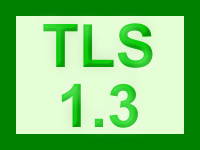
TLS Version: tls1.3
TLS SNI: check-tls.akamai.io
Host Header: check-tls.akamai.io
TLS Cipher Name: TLS_AES_256_GCM_SHA384
TLS_EXT_SIG_ALGO: 5D4D8H8G8F8E6B5B4B
Protocol Negotiated: h2
TLS Version: tls1.3
TLS SNI: check-tls.akamai.io
Host Header: check-tls.akamai.io
TLS Cipher Name: TLS_AES_256_GCM_SHA384
TLS_EXT_SIG_ALGO: 5D4D8H8G8F8E6B5B4B
Protocol Negotiated: h2
Your client negotiated tls1.3.
Your client connected with HTTP/2.
Client IP Version

Client IP version: ipv4
Your client connected with the legacy IPv4 protocol. You should upgrade the client or its networking environment to support IPv6.
About this site
This site is intended to help diagnose client behavior. There are two versions of it:
- https://check-tls.akamaized.net/ - this version supports legacy clients including those not sending TLS SNI, but may not have the latest protocols enabled.
- https://check-tls.akamai.io/ - this version supports modern clients, but only those supporting newer ciphers and those sending TLS SNI
Other ways to test various types of clients:
- TLS SNI test image (returns if TLS SNI is present)
- IP version test image (returns if IPv4 or IPv6 is used)
- TLS version test image (returns if TLS 1.2 or earlier is used)
- TLS SNI test results in JSON format
- TLS SNI test results as an RSS feed


searchtokenPDXTXRFLK - v1.39
©2026 Akamai Technologies